The DEM used in this exercise has been geometrically corrected and resampled to 25 meter pixels. The DEM is from USGS. This DEM was chosen because of its unique topographic features.
An image is a representation of some rectangular portion of space. Raster is a term used to describe a system for representing images. A raster image is composed of small cells (pixels) that are uniform in size and arranged in a grid. The resolution of an image is the spatial dimension of the pixel (density of data collection points). A digital elevation model (DEM) represents elevations of surface for every pixel. The following exercises will provide experience in using digital imagery.
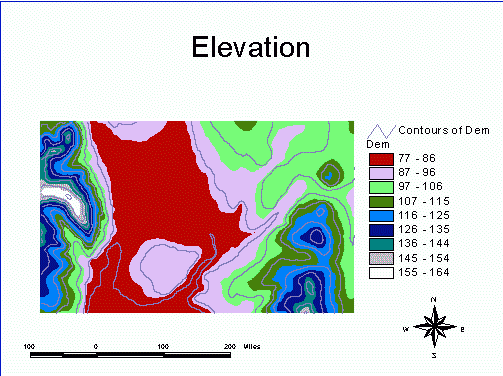 ACTIVITIES